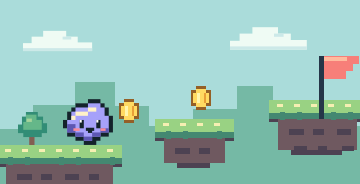
 Platformer
Platform adventure
Jump over gaps, grab coins and race to the finish flag.
A game-making academy for ages 8–14
Dream up a world, build it one quest at a time, and bring it to life with WizardGenie as your AI sidekick.
New to game making? You can start with just an idea.
Made by you
A hero, a few rules and a place to play. See what those pieces can become.
PlatformerJump over gaps, grab coins and race to the finish flag.
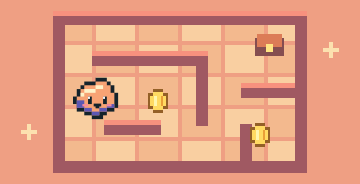 Maze game
Make a twisty map full of hidden paths and shiny rewards.
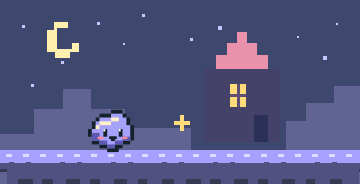 Adventure
Give your hero a mission and make an ending worth playing for.
Your first playtest
Four small steps are enough to go from a sketch to your first playtest.
Ask a grown-up to help set up the desktop app.
Build one small part of a game at a time.
Describe a change, then play to see what happens.
Hand the controls to family and see what they try.
The course
Build a new skill in each world and collect a badge along the way.
Your AI sidekick
WizardGenie is a desktop app for making games. Tell the Genie what you want to change, then play your game to see what worked.
See the setup guideFor grown-ups
Quests put logic, storytelling, problem solving, reading and maths to work in a game your child can play. Children should use WizardGenie with a grown-up.
Read the parent guideBefore you play
A few things to know before you start your first quest.
The quests are designed for ages 8–14. Younger makers can team up with a grown-up to read prompts and test changes.
You can start with a sketch and a simple idea. The quests teach you how to describe what you want, try a change and see whether it works.
The first lesson and the rest of the lesson pages are free to read. WizardGenie is a free download. Some app features use paid Sorceress credits. Learn about credits.
WizardGenie is a desktop app for Windows 10 or 11, macOS and Linux. Ask a grown-up to visit the download guide with you.
Start by playing it with family on your own device. Ask a grown-up to check the game for personal details and decide where it can be shared.
Start on Start Island
Bring one idea. We’ll start with a single screen.
Start Lesson 1 (free)